
Release notes
v6.05 Release Notes
-
Tab component supports dynamic switching of tabs using parameters (User、Role、Custom parameters).
-
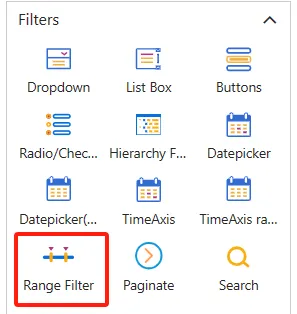
New numerical range filter component.
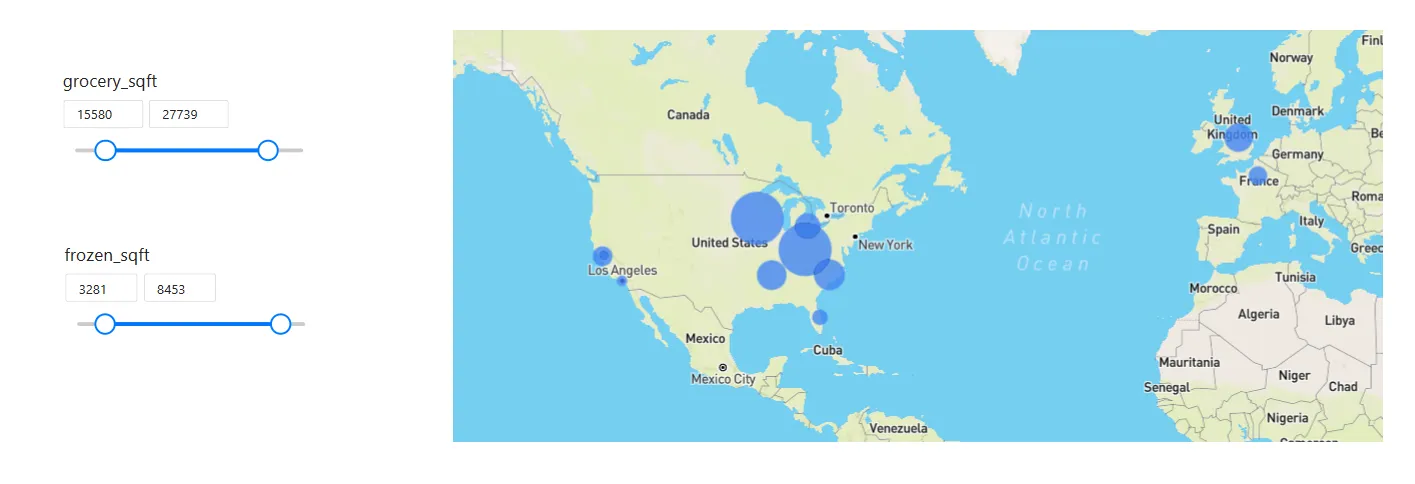
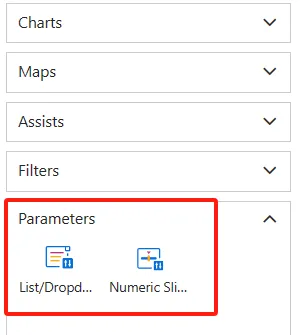
- New Parameter Filter Components (List/Dropdown, Numeric Slider)
-
Remove the configuration of associated fact table from the filtering components. Multiple fact table analysis models can set a filter to associated fact table.
-
Optimize the geocoding in the map component.
-
Enhance the progress ring component.
-
Enhance the Tab component.
-
Enhance the component’s toolbar.
-
Enhance the Google/OpenStreetMap component.
-
Enhance the effect of data points on maps and scatter plots.
-
More Fonts.
-
Optimize page performance and reduce page size.
-
Enhance “Data preview” functionality.
Functionality
- Added manage parameters functionality

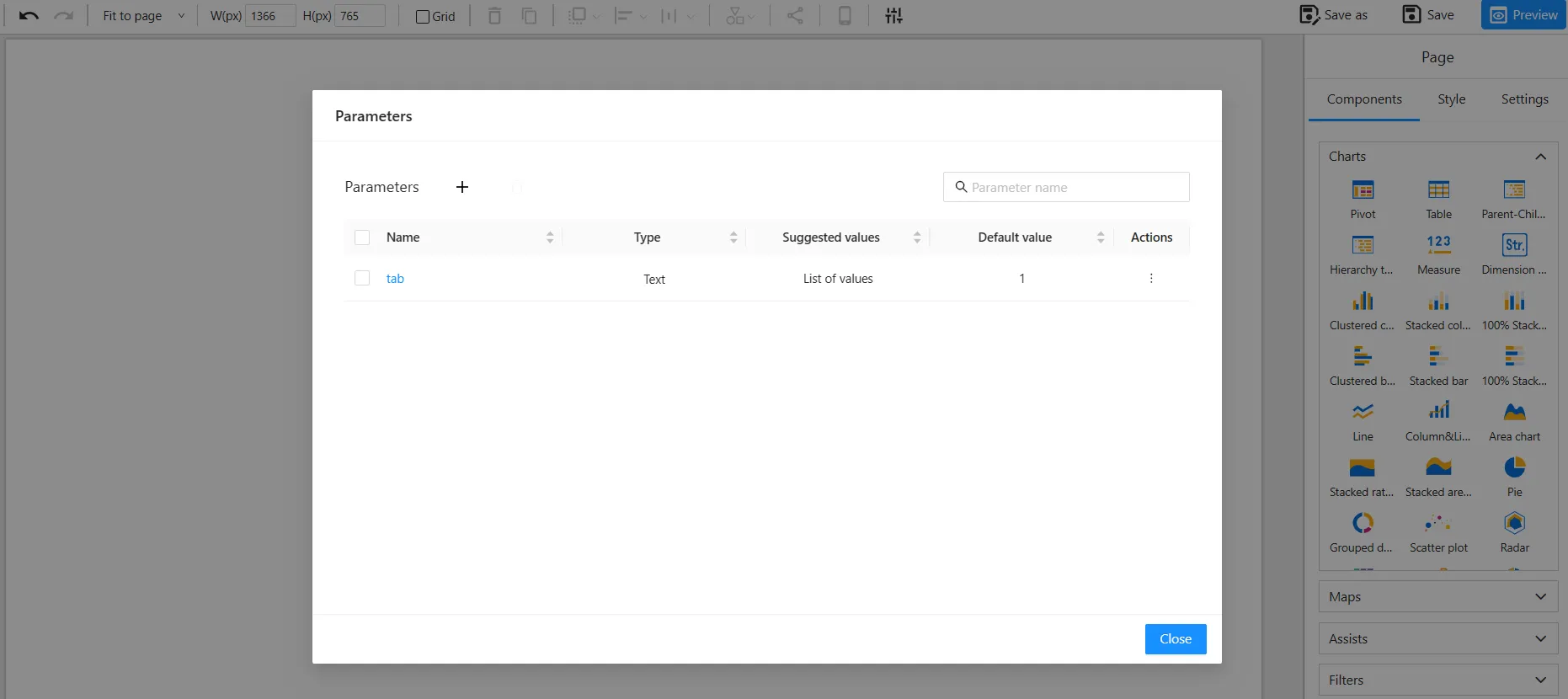
- Edit mode supports enabling and disabling grid lines on the canvas.

-
Support for using parameters in calculated measure and component title content.
- Referencing parameters in calculated measure: ParamRef(“parameter_name”)
Example:
[Measures].[previous year sales] * ParamRef("growth rate")- Referencing parameters in title : ${parameter_name”}
-
Support for Snowflake and Google BigQuery data sources.
-
Fact table: Added a “Fact count” field.
-
Measure filtering performance optimization.
-
Constant field cross-query performance optimization.
-
Support for automatic generation of hierarchy for time fields in SQL Server and Apache Doris.